For showrooms and exhibitors
Share your lookbook with buyers.
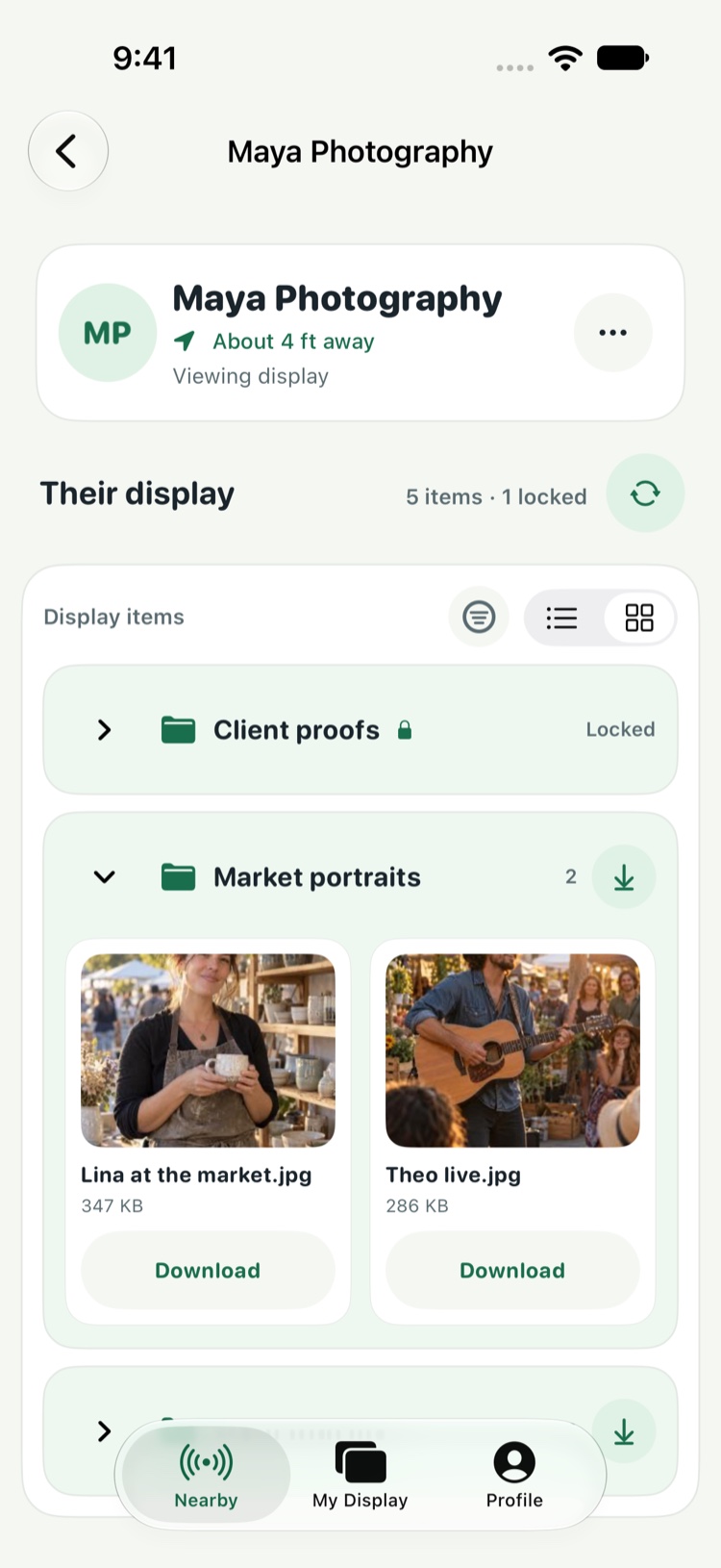
Put your lookbook, line sheet, and contact card in one display on your iPhone. Buyers in the room open Nearby Access on their iPhones and choose what to save.
Try a sample display
Summer collection
Select an item to preview what a buyer could find.
Wholesale line sheet Sizes and order minimums
Linen overshirt, sizes XS–XL. Six units minimum for the first order.
Summer lookbook Collection photography
Browse the summer photography and save the looks you want to revisit after the appointment.
Showroom contact Wholesale sales team
Save the showroom’s wholesale contact for order questions and follow-up.
Illustrative preview. Live sharing happens in the app.
Try it at one appointment.
Both people need Nearby Access on their iPhones. Send the App Store link with the appointment confirmation so buyers can install it before they arrive.
Pick three items
Add a line sheet, a lookbook, and a contact card to My Display. Choose which items buyers can see.
Turn on your display
When a buyer is nearby, turn on My Display and tell them which name to look for in Nearby Access.
Let the buyer choose
Approve a viewing request if prompted. The buyer can browse and save the items they want, then you can turn your display off.
The buyer’s view
Start with the material you already share.
Use the same PDFs, photos, and links you bring to sales appointments. Keep private items hidden, and password protect lists that need an extra step.
Transfers run directly between the nearby devices. Both people keep the app open until the files finish transferring.
Read the privacy policy